Easy Ways to Withdraw Money from Venmo Without a Card

Withdraw Money from Venmo Without a Card

Venmo, a popular mobile payment app, has made it easier than ever to send and receive money from friends, family, and businesses. However, many users find themselves wondering how to access their Venmo balance without a linked debit card. This article will explore various methods for withdrawing money from Venmo without a card such as: … Read more
Apple Account Balance: Check, Add, and Manage Your Funds

Check Apple Account Balance

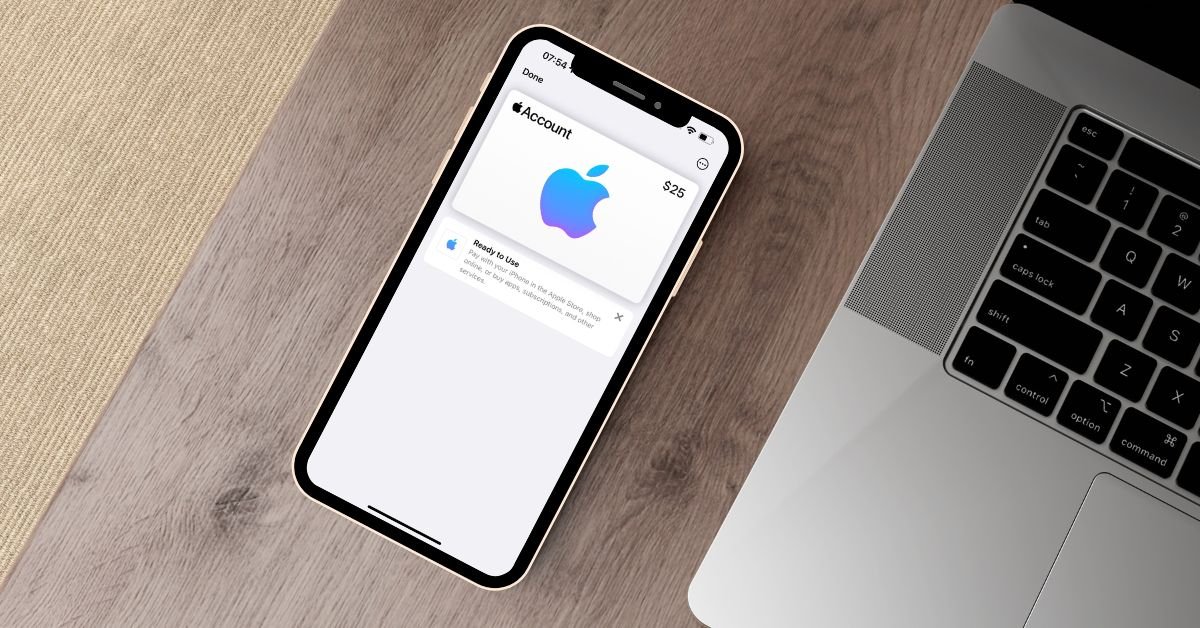
To check your Apple Account balance, simply open the App Store app and tap on your profile icon, below your Apple ID current account balance will be displayed. In today’s digital world, our lives revolve around our smartphones and the apps and services we use on them. For iPhone and iPad users, the Apple Account … Read more

Does Wendy’s Accept Apple Pay? Your Payment Options Explained

Does Wendy Take Apple Pay

Yes, Wendy’s does accept Apple Pay as a payment method at all of their locations, including dine-in, drive-thru, and take-out orders. Customers can use Apple Pay on their iPhone or Apple Watch to make secure and contactless payments at Wendy’s restaurants. If you’re a fan of Wendy’s delicious burgers, fries, and Frostys, you might be … Read more

What Cards Work with Cash App: A Comprehensive Guide

What Cards Work with Cash App

Cash App supports debit and credit cards from Visa, MasterCard, American Express, and Discover. Linking a bank account offers advantages like no fees and higher limits. Troubleshoot issues by checking card information and funds. Enable security features and use budgeting tools to maximize your Cash App experience. As a popular mobile payment service, Cash App … Read more

How to Permanently Delete Your Venmo Account in 2024

Delete Venmo Account

To delete your Venmo account, first transfer any remaining funds to your bank account. Then, open the Venmo app, go to the “Me” tab, tap the Settings gear icon, select “Account” under “Preferences,” tap “Close Venmo Account,” and follow the prompts to confirm your decision. Remember that closing the account is permanent and will not … Read more

How to Cancel a Venmo Payment: A Comprehensive Guide

How to Cancel a Venmo Payment

Unfortunately, once a payment is sent to an existing Venmo account, it cannot be canceled as the funds become available to the recipient immediately. To avoid payment issues, always double-check the recipient’s information and the payment amount before confirming the transaction. Venmo, the widely used peer-to-peer payment app, makes it convenient to send and receive … Read more

Transfer Money from Venmo to PayPal (Quick Guide)

Transfer Money from Venmo to PayPal

To transfer money from Venmo to PayPal, open the Venmo app, go to Settings, select “Send Money to PayPal,” enter your PayPal email address and the transfer amount, review the details, and confirm. The funds will be instantly available in your PayPal account without any fees. Venmo and PayPal, both owned by PayPal, are popular … Read more

How to Get Money from Venmo Without a Bank Account

How to Get Money from Venmo Without a Bank Account

You can get money from Venmo without a bank account by using a Venmo debit card, transferring funds to a prepaid debit card, using a friend or family member’s bank account, setting up direct deposit, or transferring funds to a third-party money transfer service like PayPal or Cash App. If you’re a Venmo user wondering … Read more

Venmo Transaction Limits: How Much Can You Really Send in 2024

how much can you send on venmo

Venmo’s weekly sending limits range from $299 for unverified accounts up to $60,000 for verified accounts. However, within that $60,000 limit, users are restricted to $7,000 per week for certain purchases, such as transactions made using the in-store QR code, online checkout, or in other apps. Venmo is a hugely popular peer-to-peer payment app that … Read more