

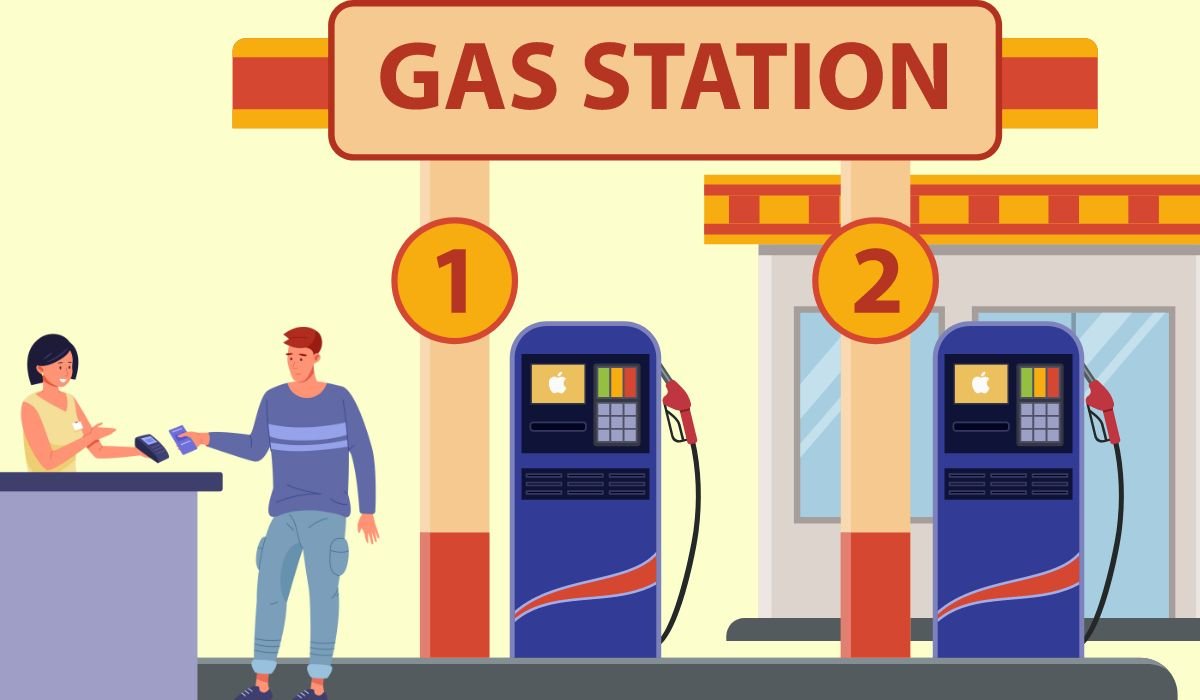
Apple Pay is now widely accepted at most major gas stations, including Chevron, AMOCO, 7-Eleven, Arco, Circle K, ExxonMobil, Citgo, Conoco, Costco, Sheetz, Shell and more. As contactless payment adoption grows, Apple Pay can be used to pay for gas and convenience store purchases at thousands of locations across major national and regional gas station chains.
Key Takeaways
- Many major gas station chains take Apple Pay, including Chevron, Exxon, Shell, BP, 7-Eleven and more.
- You can pay right at the pump by holding your iPhone or Apple Watch near the payment terminal.
- Apple Pay can also be used inside gas station convenience stores.
- Always check for the Apple Pay or contactless payment symbol before paying.
What is Apple Pay?
Apple Pay is a mobile payment and digital wallet service by Apple that allows users to make payments in person, in iOS apps, and on the web. It works by using near-field communication (NFC) technology on compatible iPhones and Apple Watches to communicate with point-of-sale terminals.
Some key things to know about Apple Pay:
- It allows you to store your credit, debit, and prepaid card information digitally and use your iPhone or Apple Watch to make purchases instead of presenting physical cards.
- Your card number is not stored on your device or shared with the merchant when using Apple Pay. Instead, a unique one-time transaction code is used to process the payment.
- Apple Pay is accepted in many stores, apps, and websites in various countries around the world. In stores, look for contactless payment or Apple Pay symbols to know if it is supported.
- To set up Apple Pay, you need an eligible device like an iPhone 6 or later models. Then simply add your cards to the Wallet app and authenticate payments with Touch ID, Face ID, or passcode.
- Purchases made using Apple Pay are secure, fast, and convenient compared to using physical cards. Your payment and card information stays private as well.
In summary, Apple Pay represents Apple’s big push into mobile payments and digital wallets – allowing iPhone and Apple Watch owners to securely pay with ease.
Also read: Does In-N-Out Take Apple Pay? What You Must Know
Major Gas Station Chains That Accept Apple Pay
- Chevron
- AMOCO
- 7-Eleven
- Arco
- Circle K
- ExxonMobil
- Citgo
- Conoco
- Costco
- Shell
- Delta Sonic Car Wash
- RaceTrac
- Family Express
- Speedway
- Phillips 66
- QuikTrip
- Holiday oil
- Texaco
- Valero
- Cumberland Farms
- BP
- Meijer
- Sheetz
- Show less
How To Use Apple Pay At Gas Station
There are a couple of ways to use Apple Pay at gas stations, depending on the station’s technology and your preference:
Using the contactless reader at the pump:
- Check for compatibility: Look for the Apple Pay logo or contactless payment symbol on the pump. Not all gas stations offer Apple Pay at the pump yet.
- Select your pump and amount: Choose your pump number and enter the desired amount (or choose “pay at pump”).
- Activate Apple Pay: On your iPhone: double-click the side button. On your Apple Watch: double-click the side button.
- Hold your device near the reader: Look for the designated spot on the pump, usually near the display. Hold your iPhone or Apple Watch near it until you see a checkmark or hear a beep confirming the payment.
- Authenticate if needed: Depending on your settings, you might need to verify your identity with Face ID, Touch ID, or your passcode.
- Start pumping: That’s it! You’re good to go.
Using the gas station app (if available):
- Download the gas station app: Some gas stations, like Shell and ExxonMobil, have their own apps that allow mobile payments. Check if your preferred station has one and download it.
- Set up your payment: Link your Apple Pay account within the app.
- Select your pump and amount: Open the app, choose your pump number, and enter the desired amount.
- Pay with Apple Pay: Follow the app’s instructions to initiate the payment using Apple Pay. You might need to confirm with Face ID, Touch ID, or your passcode.
- Start pumping: Once the payment is processed, you can start pumping gas.
Also read: Does Old Navy Accept Apple Pay? – Everything You Need to Know
How to Locate Gas Stations That Accept Apple Pay
Here are several methods you can use to find gas stations that accept Apple Pay:
- Apple Maps: Open the Apple Maps app on your iPhone and search for nearby gas stations. You can filter your search by selecting “Gas Stations” and then look for those with the Apple Pay icon, indicating they accept Apple Pay. Additionally, you can ask Siri to find gas stations that accept Apple Pay by saying, “Hey Siri, find gas stations that accept Apple Pay.”
- Google Maps: While Google Maps doesn’t specifically indicate whether a gas station accepts Apple Pay, you can still use it to search for nearby gas stations and then call ahead to inquire about their payment options.
- Gas Station Apps: Some gas station chains have their own mobile apps that provide information about their locations and services, including payment methods. Check if the gas station you’re interested in has an app and if it includes payment information.
- Websites: Gas station websites may also provide information about accepted payment methods. You can check the website of a specific gas station chain or use online tools that aggregate gas station information.
- Gas Station Branding: Look for gas stations that are known to accept contactless payments in general. Major brands or those with modern facilities are more likely to accept Apple Pay.
- Contactless Payment Signs: When you’re driving, keep an eye out for signs at gas stations indicating acceptance of contactless payments. If you see a contactless payment symbol (usually a sideways Wi-Fi-like symbol), there’s a good chance they accept Apple Pay.
- Online Forums and Communities: Sometimes, people share their experiences or compile lists of gas stations that accept Apple Pay in online forums or communities like Reddit. These can be valuable resources for finding specific locations.
Benefits of Using Apple Pay at Gas Stations
Using Apple Pay to pay for gas, convenience store items and car washes can be faster and more secure than using physical credit cards. Benefits include:
- Speed – With Apple Pay there is no more fumbling through your wallet or purse to access cash or physical credit cards. Get in and out quicker by paying right from your iPhone or Apple Watch.
- Security – Apple Pay utilizes unique transaction codes so your actual card numbers are never shared with the merchant. It’s a very secure way to pay.
- Convenience – Key benefits of contactless payments are speed and convenience. Keep your cards in your wallet and pay quickly with just your mobile device.
As more everyday places like pharmacies, grocery stores and gas stations enable contactless payments, Apple Pay is becoming an increasingly convenient way to check out. Look for the contactless payment logo to take advantage of fast and secure Apple Pay transactions.
Also read: Is Cash App Accepted at Walmart for Purchases?
Tips for Using Apple Pay at Gas Stations
- Verify Apple Pay logo is displayed before paying
- Wake iPhone screen or double click Apple Watch side button
- Hold device near payment terminal until transaction completes
- Leave wallet behind – pay with just your mobile
- Use for fuel, store purchases, car washes
- Set up your preferred payment card in Apple Pay
- Check card supports contactless payments if issues arise
- Skip touching screens other customers contacted
- Pay at the pump to avoid going inside
- Enjoy the speed and convenience
Conclusion
Apple Pay has rapidly grown as a payment method accepted at gas stations over the past few years. Major chains like Chevron, Shell, 7-Eleven, Exxon, BP, and Phillips 66 now take Apple Pay at most locations across the country. And regional gas station brands like QuikTrip, Casey’s, and Sheetz also accept contactless payments. With the convenience store industry focused on speed and efficiency, Apple Pay enables faster payments without the hassles of physical credit cards or cash. Most gas stations now enable this mobile payment functionality, allowing drivers to quickly pay and get back on the road.
The Future of Apple Pay
With over 90% of retail locations in the United States now accepting Apple Pay, it’s clear that Apple’s mobile wallet has solidified itself as a leading payment method. And gas stations have been at the forefront of contactless payment adoption.
Frequently Asked Questions
Yes, most major gas station chains now take Apple Pay, including Chevron, 7-Eleven, Shell, BP, Exxon, Texaco, Phillips 66, and many regional chains like QuikTrip, Sheetz, Wawa, Casey’s, and Kwik Trip. While availability may vary by location, contactless payments like Apple Pay are becoming widely supported across the convenience store and gas station industry for faster, more convenient payments. Most gas stations now have payment terminals that accept mobile wallet services like Apple Pay.
Yes, most major gas station chains now accept Apple Pay, including Chevron, 7-Eleven, Shell, BP, Exxon, Phillips 66, Texaco, and many regional chains. As long as the gas station has a contactless payment terminal, you can use Apple Pay.
Yes, Apple Pay is accepted at most petrol station chains and their contactless payment terminals, allowing you to quickly pay for your fuel purchase with your iPhone or Apple Watch.
Yes, 7 Eleven convenience stores accept Apple Pay at most locations. You can use it when paying in-store or at the gas pumps.
Yes, you can use your Apple Card with Apple Pay to pay for gas at stations that accept contactless payments.
Yes, most Shell stations now have contactless payment abilities that allow you to use Apple Pay to pay for your fuel.
You can use Apple Pay at most major retail stores, grocery stores, restaurants, gas stations, convenience stores, and more. Anywhere that accepts contactless payments should work with Apple Pay.


