

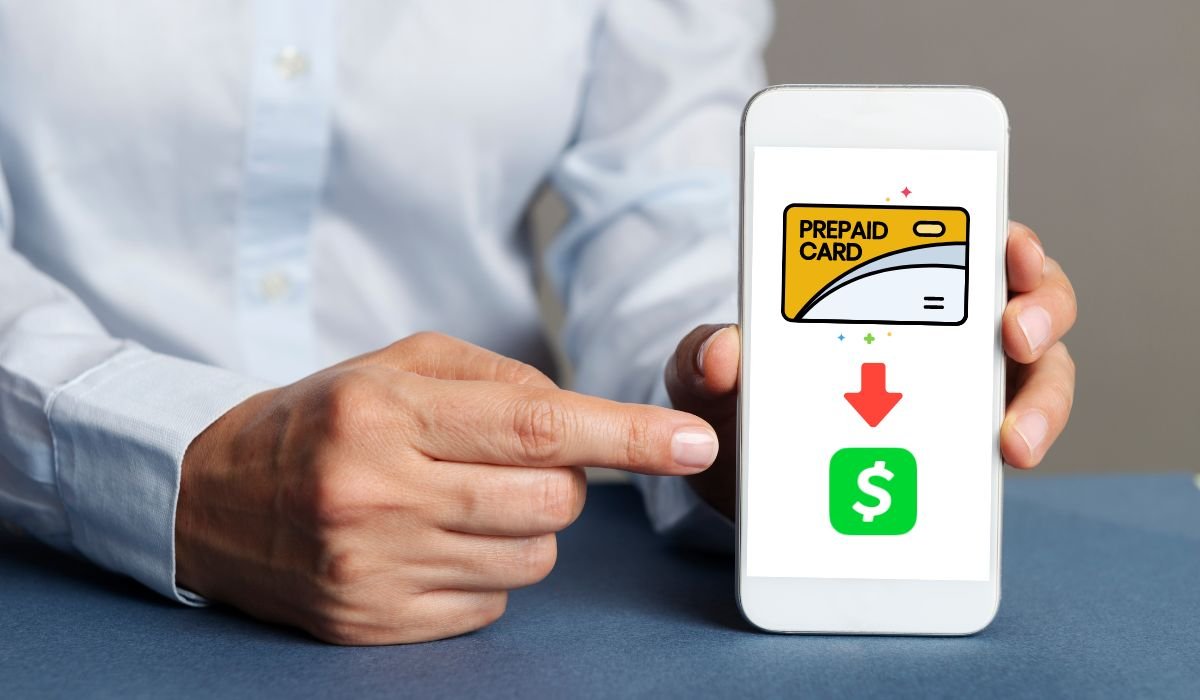
Transferring money from a prepaid card to Cash App is a simple process that involves linking the card to your account and adding funds. While most prepaid cards are compatible, some limitations and fees may apply. By following the steps outlined and troubleshooting any issues, you can easily manage your finances using prepaid cards and Cash App.
Prepaid cards and Cash App have become increasingly popular tools for managing money in the digital age. These platforms offer convenience, flexibility, and accessibility, making it easier for people to store, spend, and transfer funds without relying on traditional banking services. One common question that arises is whether it’s possible to transfer money from a prepaid card to a Cash App account.
Yes, it is possible to transfer money from a prepaid card to Cash App. To do so, open the Cash App and tap on the “Banking” tab. Then, tap on “Linked accounts” and select “Add bank”. Choose “Credit or debit card” and enter your prepaid card information. Finally, tap on “Add card” to link your prepaid card to your Cash App account.
Key Takeaways
- Cash App supports most prepaid cards from major networks like Visa, Mastercard, American Express, and Discover.
- Both reloadable and non-reloadable prepaid cards are generally compatible with Cash App.
- Transferring money from a prepaid card to Cash App is a simple process that can be completed in a few steps.
- Be aware of any potential fees associated with transferring money and the expected transfer time.
Understanding Prepaid Cards and Cash App
Prepaid cards are payment cards that are loaded with a specific amount of money and can be used to make purchases or withdraw cash from ATMs. They function similarly to debit cards but are not linked to a traditional bank account. Prepaid cards can be either reloadable, allowing you to add more money to the card, or non-reloadable, which are disposable after the initial balance is depleted.
Cash App is a popular mobile payment service that allows users to send and receive money, pay bills, and make purchases using their smartphone. It is known for its user-friendly interface and the ability to easily split expenses with friends and family.
Also read: What Prepaid Cards Work with Cash App? (A Complete Guide)
Can I transfer money from any prepaid card to Cash App?
Cash App accepts most prepaid cards issued by major card networks like Visa, Mastercard, American Express, and Discover. Both reloadable and non-reloadable prepaid cards are generally supported. However, it is essential to note that some specific prepaid cards may not be compatible with Cash App due to restrictions set by the card issuer or Cash App itself.
What Prepaid Cards Work With Cash App
Some specific prepaid cards that are known to be compatible with Cash App include:
- Netspend
- Green Dot
- Bluebird by American Express
- Walmart MoneyCard
- Chime
- Current
- Serve
- PayPal Prepaid Mastercard
It is always a good idea to check with your prepaid card issuer and Cash App’s support to confirm compatibility before attempting to transfer money.
Requirements for Transferring Money
To transfer money from a prepaid card to Cash App, you’ll need to meet the following requirements:
- A valid and active prepaid card supported by Cash App
- Sufficient funds on your prepaid card to cover the transfer amount
- A verified Cash App account
Step-by-Step Guide to Transferring Money
- Open the Cash App and log in to your account.
- Tap the “Banking” tab on the home screen.
- Select “Add Cash” and enter the transfer amount.
- Tap “Add” and choose your prepaid card.
- If the card isn’t linked, enter the card details.
- Confirm the transaction and wait for the funds to be added.
Are There Any Fees for Transferring Money from a Prepaid Card to Cash App?
Cash App does not charge any fees for adding money to your account using a prepaid card. However, some prepaid card issuers may charge a fee for the transaction. It is essential to check with your prepaid card provider about any potential fees before initiating a transfer.
Also read: Transfer Money from Walmart Gift Card to Cash App (6 Methods)
How Long Does the Transfer Take?
Transfers from prepaid cards to Cash App are usually instant. As soon as you confirm the transaction, the funds should be available in your Cash App balance. However, in rare cases, the transfer may take up to 1-2 business days to complete due to processing delays or security checks.
Troubleshooting Common Issues
- Unsupported prepaid card: Ensure your card is compatible with Cash App
- Insufficient funds on prepaid card: Check balance before initiating transfer
- Unverified Cash App account: Complete verification process for smooth transactions
- Card restrictions or blocks: Contact prepaid card issuer for assistance
- Persistent issues: Reach out to Cash App support for further guidance
Tips for Using Cash App with Prepaid Cards
- Safeguard prepaid card and Cash App account information
- Monitor prepaid card and Cash App balances regularly
- Enable Cash App notifications for transaction alerts
- Maintain sufficient funds on reloadable prepaid cards before transferring to Cash App
- Be aware of any fees associated with prepaid card transactions
- Verify prepaid card compatibility with Cash App before attempting transfers
- Keep track of transfer times and plan accordingly
- Use a dedicated prepaid card for Cash App transactions for better organization
- Set up a budget and stick to it when using prepaid cards with Cash App
- Take advantage of Cash App’s security features, such as two-factor authentication
How to Transfer Money from Gift Card to Cash App
Transferring money from a gift card to Cash App is not directly possible. Gift cards are designed for purchases and cannot be used as a funding source on Cash App. However, you can add the gift card like a debit card if it’s a Visa or Mastercard gift card. Open the Cash App, tap “Balance” then “Add Cash.” Enter the amount and choose “Gift card” to add it. Then, provide the card details and tap “Add card” to complete the process. Remember, the gift card must be valid for online purchases.
How to Transfer Money from Credit Card to Cash App
Cash App does not allow direct transfers from credit cards to your Cash App balance. This restriction is in place to prevent users from incurring high-interest debt and cash advance fees. However, you can use your credit card to purchase a prepaid card and then transfer the funds from the prepaid card to your Cash App account.
Also read: 4 Best Ways to Send Money on Cash App Without a Debit Card
How to Transfer Money from Visa Debit Card to Cash App
- Open the Cash App and log in to your account
- Tap the “Banking” tab on the home screen
- Select “Add Cash” and enter the transfer amount
- Tap “Add” and choose your Visa debit card
- If the card isn’t linked, enter the card details
- Confirm the transaction and wait for the funds to be added
How to Add Credit Card to Cash App Without Bank Account
- Open the Cash App on your mobile device and log in to your account
- Tap the “Banking” tab located on the bottom-left corner of the screen
- Select “Add Credit Card” from the available options
- Enter your credit card details, including: Card number, Expiration date, CVV (3-digit security code on the back of the card) and Billing ZIP code.
- Follow the on-screen prompts to verify your credit card
- Once verified, your credit card will be linked to your Cash App account
- You can now use your credit card to make purchases or send money through Cash App
How to Transfer Money from Vanilla Gift Card to Cash App
- Use Vanilla gift card to purchase a prepaid card compatible with Cash App (Visa or Mastercard)
- Activate the prepaid card according to instructions
- Open Cash App and log in to your account
- Tap “Banking” tab on the home screen
- Select “Add Cash” and enter transfer amount
- Tap “Add” and choose the prepaid card
- If card isn’t linked, enter card details
- Confirm the transaction and wait for funds to be added
Note:
- Direct transfer from Vanilla gift card to Cash App not possible
- Purchasing prepaid card may incur additional fees
- Check prepaid card terms and conditions for fees and limitations
Conclusion
Transferring money from prepaid cards to Cash App is a simple and convenient process that can be completed in just a few steps. By understanding the requirements, supported prepaid cards, and potential fees, you can make the most of this powerful financial tool. Whether you’re using a reloadable or non-reloadable prepaid card, Cash App provides a seamless way to manage your funds and enjoy the benefits of digital payments. With the tips and information provided in this comprehensive guide, you’ll be well-equipped to navigate the world of prepaid cards and Cash App with ease.
Frequently Asked Questions (FAQ)
To transfer money from a prepaid card, you can link the card to a digital wallet or payment app like Cash App or PayPal. Once linked, you can add funds from the prepaid card to your account balance and then send money to others or make purchases.
Yes, PayPal accepts most prepaid cards as a funding source. You can link your prepaid card to your PayPal account by adding it as a payment method. Once linked, you can use the prepaid card to add money to your PayPal balance or make direct purchases.
Yes, you can add a credit card to your Cash App account, but it’s not recommended. Cash App treats credit card transactions as cash advances, which often incur high fees and interest rates. It’s better to use a linked bank account or debit card for Cash App transactions.
Yes, you can send money on Cash App without a linked card by using your Cash App balance. To add funds to your balance, you can link a bank account and transfer money or have someone send money to your $Cashtag. Once you have a balance, you can send money to others.
To send money on Cash App, tap the “$” icon, enter the amount, and tap “Pay.” Enter the recipient’s $Cashtag, phone number, or email address. Add a note (optional) and tap “Pay” to confirm. The money will be sent instantly from your Cash App balance or linked funding source.


